MySQL·PostgreSQL·SQLite·Redis Four databases, one app
Change your OS or your database, and the screens, shortcuts and workflow stay the same.
Only the parts that differ between databases look different.
Desktop app
PlatformsWindows·macOS
DatabasesMySQL/MariaDB·PostgreSQL·SQLite·Redis
Features
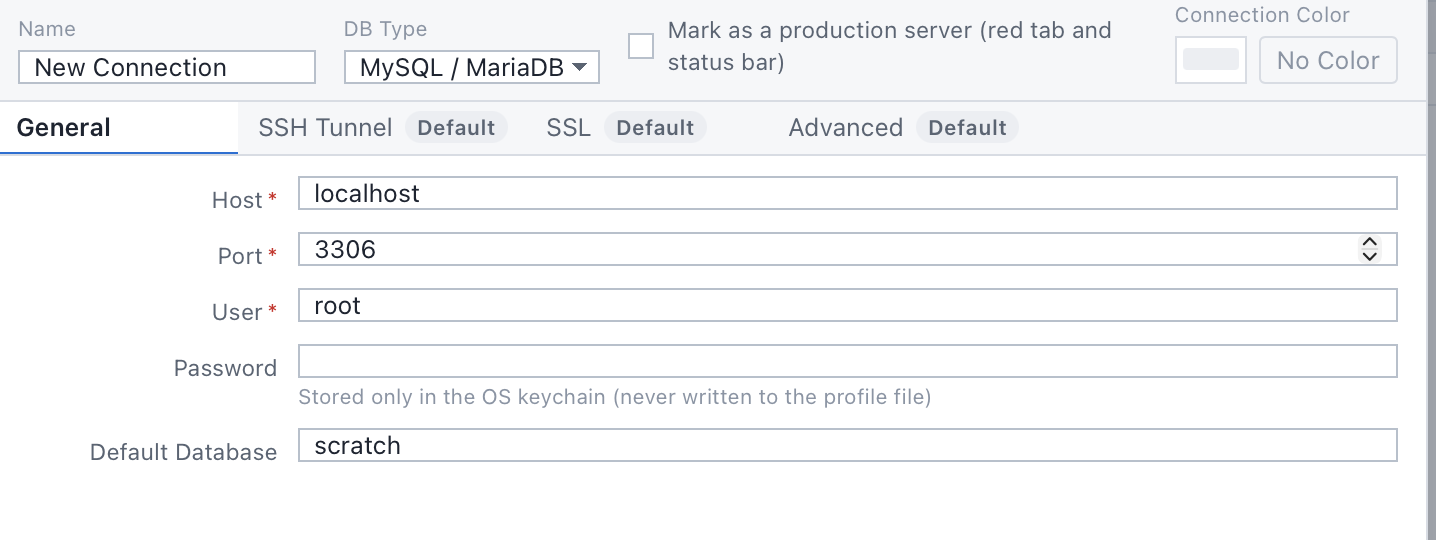
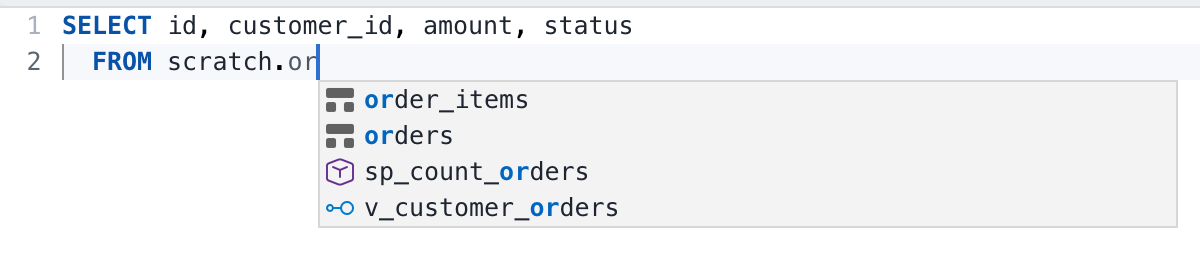
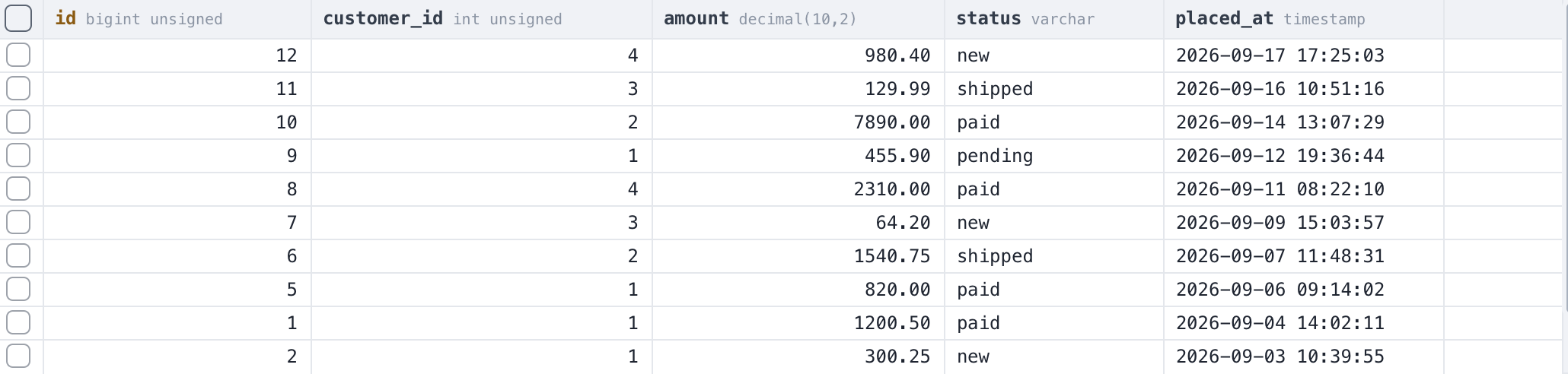
From connecting to a server to editing data, in one window
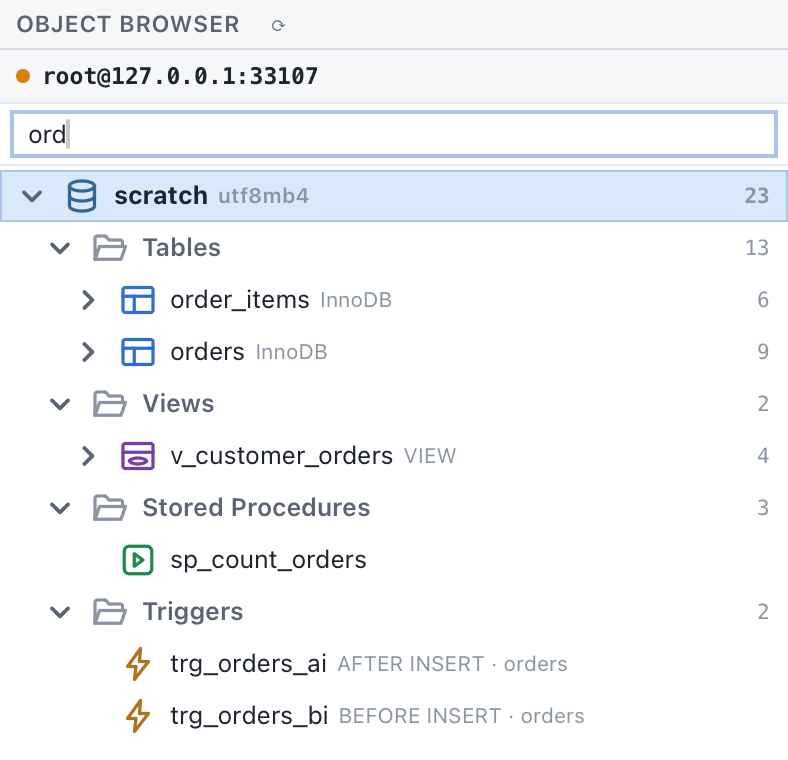
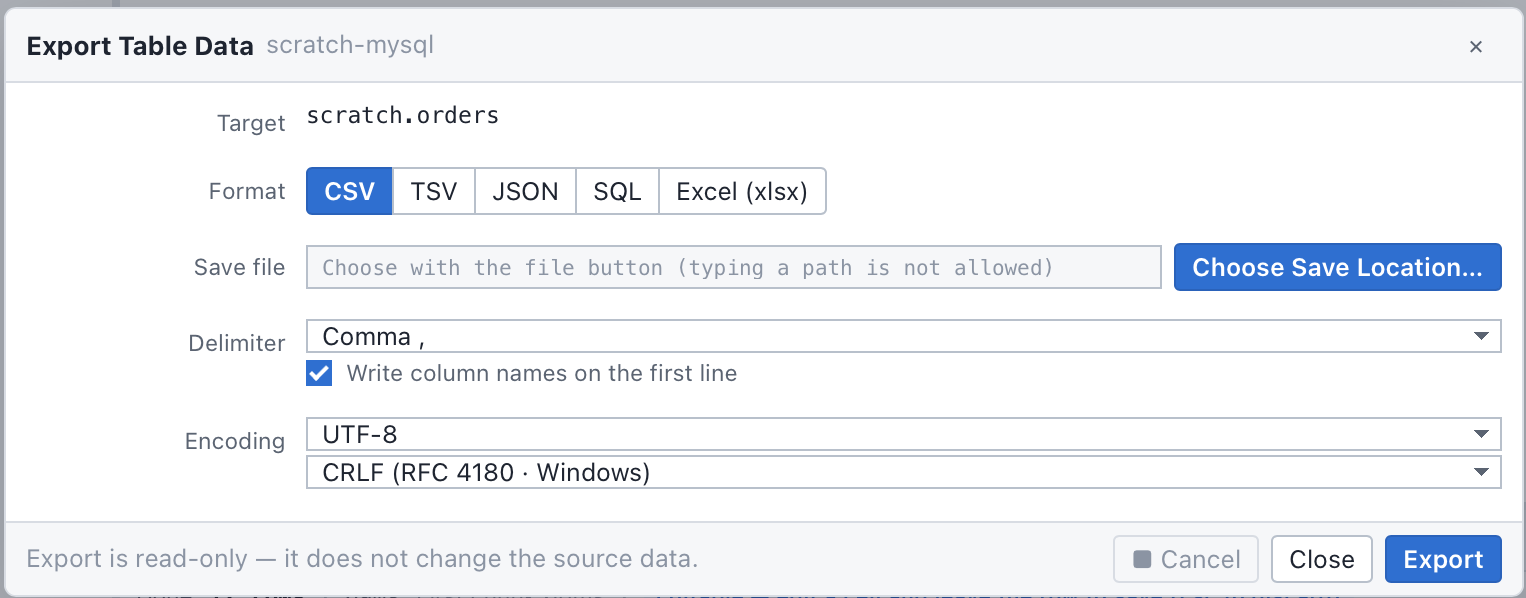
Results and status bar
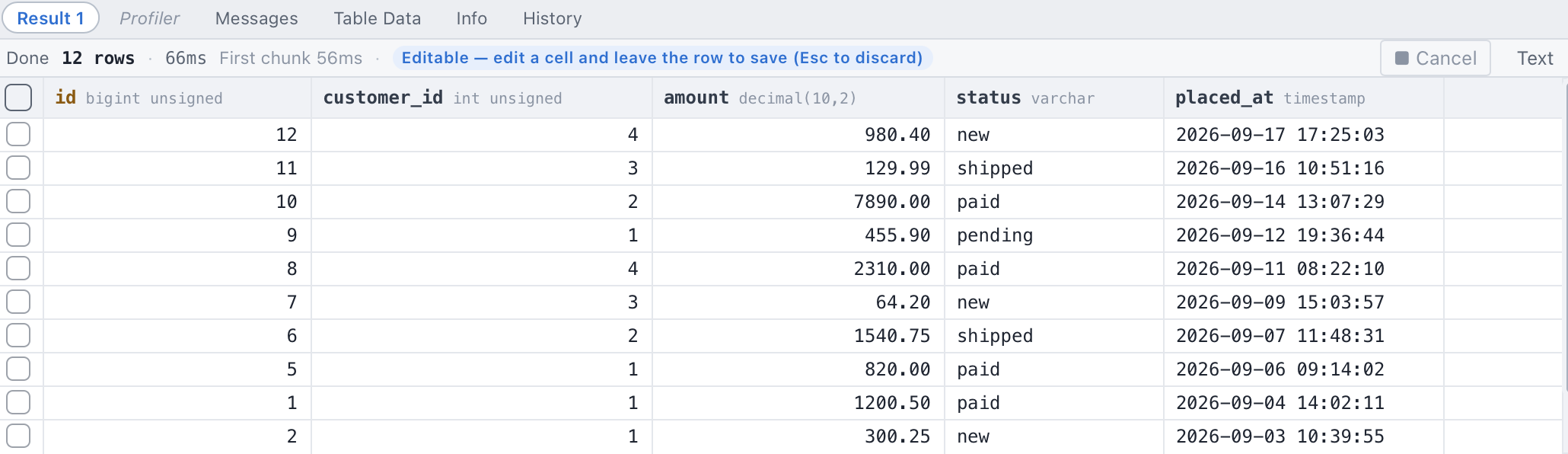
You can always see which server you're on
Above the results you see the row count, how long it took and whether the result is read-only. The status bar at the bottom shows the server you're connected to. Connections marked as production get a red tab and status bar.


Databases
- MySQL
- MariaDB
- PostgreSQL
- SQLite
- Redis
Connect to Redis and you get a screen for browsing keys and values instead of the query editor.
See the screen for each database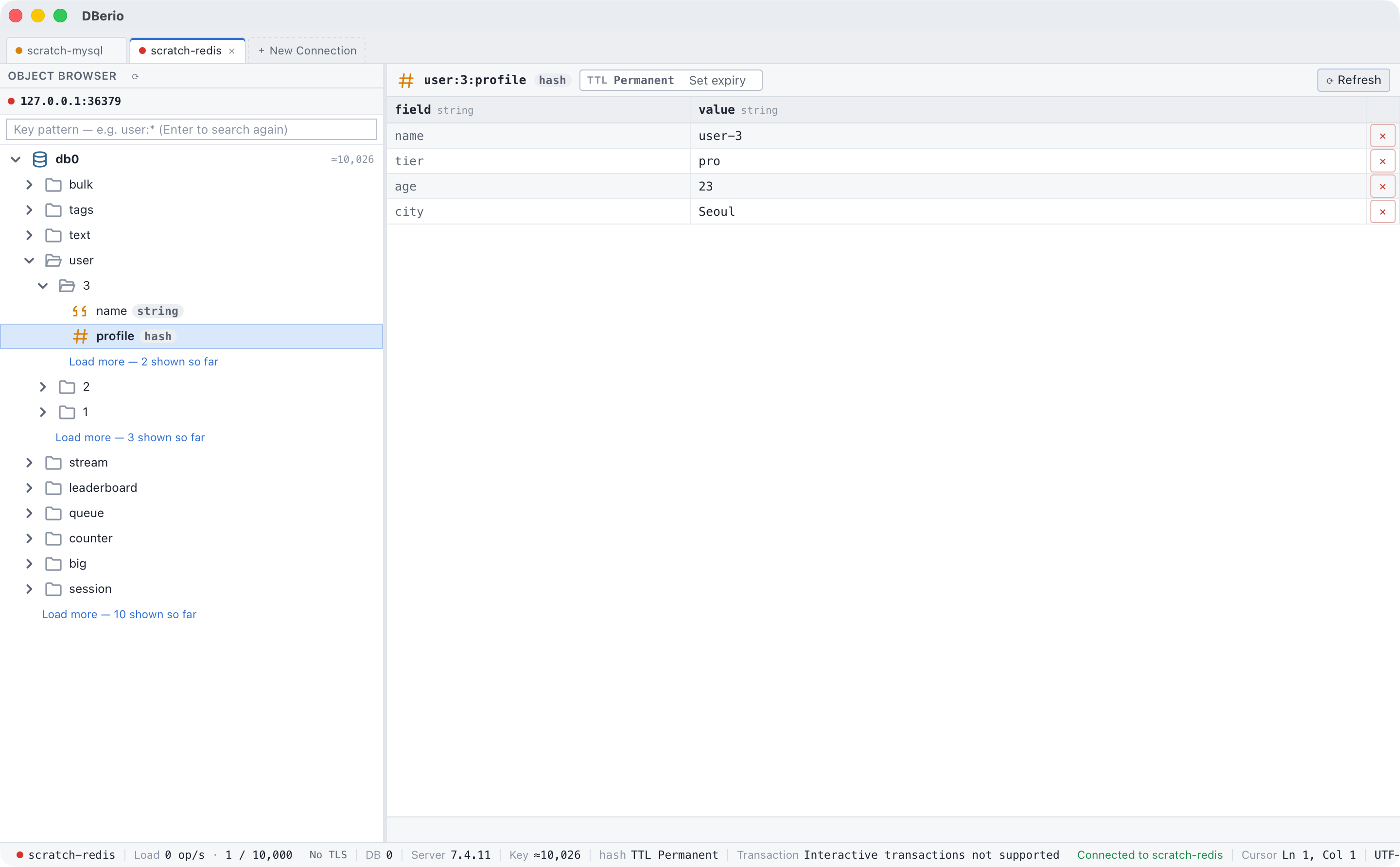
Pricing
Basic and Pro differ only in connection limits
Basic
No subscription
- All features
- Save up to 3 connection profiles
- Up to 2 connections at once
Pro
Monthly or yearly subscription that renews automatically
- All features
- Unlimited saved connection profiles
- Unlimited connections at once
- Your first subscription starts with a 7-day trial
Prices are listed in each store.Pricing details
Setup guides
Haven't installed a database server yet?
Step-by-step guides to installing a database on an Ubuntu server and opening it to remote connections.
FAQ
Before you install
Do I need to sign up?
No. There's no sign-up or login. Install the app and enter your connection details.
Where are passwords stored?
In the Keychain on macOS and in Credential Manager on Windows. They are never written to the connection settings file.
Which operating systems are supported?
macOS 12 or later and Windows 10 1809 or later (x64). Linux is not supported.
What's different in Pro?
You need Pro to save 4 or more connection profiles or to connect to 3 or more servers at once. Everything else is the same as Basic.
Where do I subscribe or cancel?
You subscribe inside the app. Payment and cancellation are managed in the account of the store you got the app from. Deleting the app does not cancel your subscription.
Do you collect usage data?
No. The app has no usage analytics, crash reporting or ads, and nothing is sent to our servers.